Batch M4A to MP3 Converter
Convert entire albums, playlist folders, or collections of voice memos in one go with a browser-side queue that keeps files on your device.
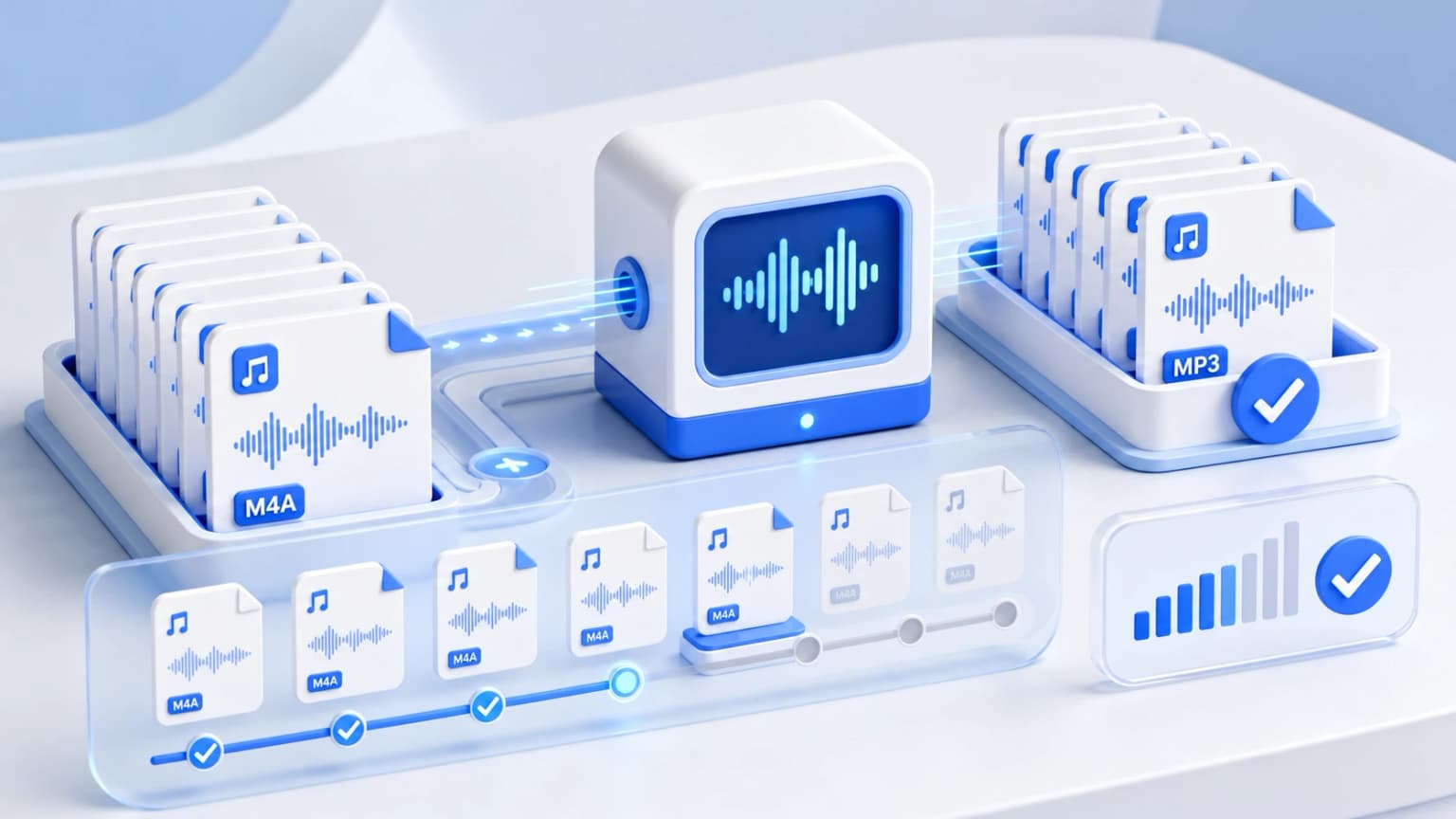
Drag & drop your M4A files here
or click to browse from desktop or phone storage
100% Secure & Private
Your files are decoded and converted locally in your browser. Nothing is ever sent to our servers.
Fast Local Processing
Uses high-performance WebAssembly (FFmpeg.wasm) to process audio at native device speed.
Bulk Conversion Steps
Import your bulk listing
Select multiple audio songs at once using Ctrl or Cmd keys, or drag the entire directory into the box.
Choose Common Audio Quality
All selected files will be converted into your chosen quality profile (such as 320kbps MP3s).
Queue and Download
Our system processes each audio track in sequence. Download them with a single click once done.
Optimizing Bulk Conversions
To make compiling large playlist files optimal, we suggest shutting down redundant memory-heavy browser windows or background gaming apps during processing. This leaves maximum memory addresses free for standard WebAssembly operations, enabling faster conversions.
Batch Conversion FAQs
Other Free Audio Converters: