How to Convert M4A to MP3 on macOS
Quickly convert voice recordings and M4A audio files into universal MP3 format on Mac with local browser conversion or native offline workflows.
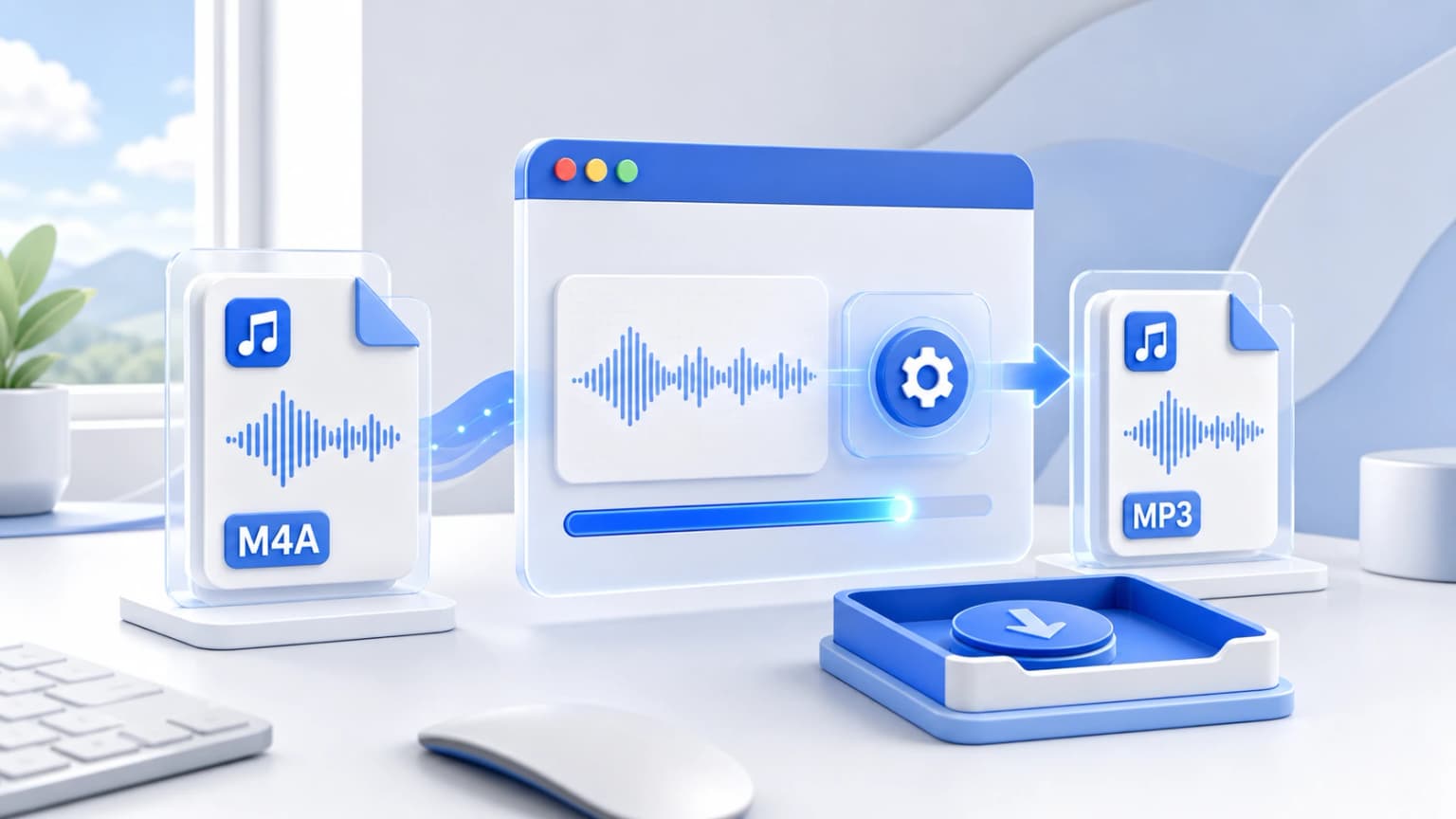
Drag & drop your M4A files here
or click to browse from desktop or phone storage
100% Secure & Private
Your files are decoded and converted locally in your browser. Nothing is ever sent to our servers.
Fast Local Processing
Uses high-performance WebAssembly (FFmpeg.wasm) to process audio at native device speed.
Step-by-Step Instructions
Import M4A Tracks
Drag your Mac files into the drop zone above or click to locate M4A audios safely within your MacOS Finder folders.
Configure Target Audio Profile
Select MP3 and choose your preferred bitrate. Options from 128kbps to 320kbps are fully supported.
Local High-Speed Execution
Our converter converts using WebAssembly directly in Chrome, Safari, or Firefox without any remote file uploads.
Convert on Mac Natively (Offline Methods)
Mac users have powerful pre-installed utilities to handle M4A audio files without relying on internet connections. In addition to Apple Music, you can use the macOS terminal or VLC Player to handle conversions:
Method: Using FFmpeg in Terminal
If you have Homebrew installed on your terminal, convert instantly using standard command parameters:
ffmpeg -i input.m4a -c:a libmp3lame -q:a 2 output.mp3This uses standard high-fidelity LAME encoder flags, yielding optimal quality at light file weights.
Mac Audio Conversion FAQs
Other Free Audio Converters: