Convert M4A to WAV Online
Translate M4A compression into uncompressed WAV output with a private browser-side workflow that is ideal for editing and archival use.
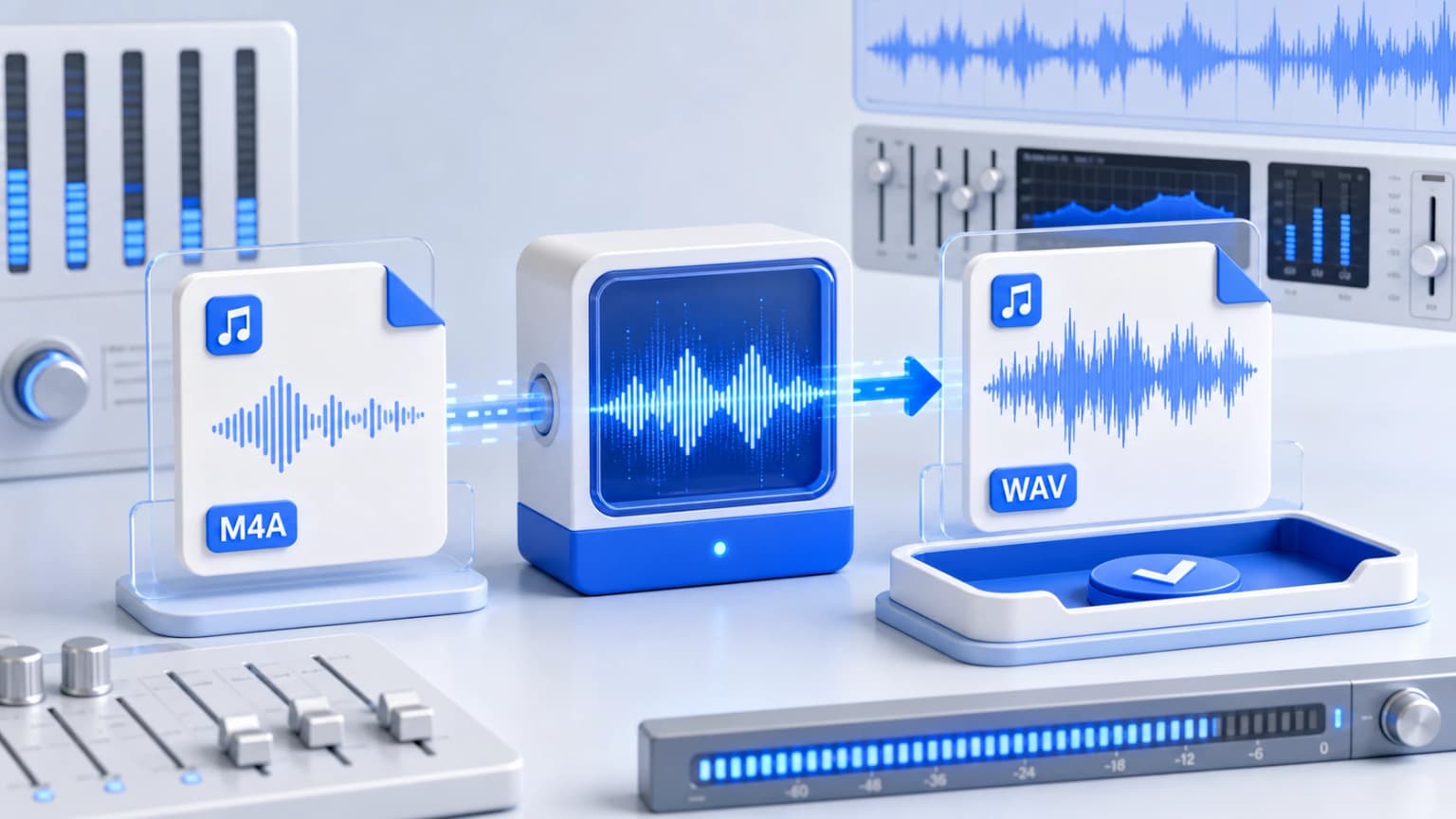
Drag & drop your M4A files here
or click to browse from desktop or phone storage
100% Secure & Private
Your files are decoded and converted locally in your browser. Nothing is ever sent to our servers.
Fast Local Processing
Uses high-performance WebAssembly (FFmpeg.wasm) to process audio at native device speed.
How to Convert M4A to WAV
Import M4A Audios
Upload your .m4a container audio tracks. Our tool supports up to multiple tracks simultaneously.
Output Format Selected
WAV is selected by default to produce uncompressed, highly clinical PCM output files.
Compile and Store Localy
The FFmpeg loader compiles tracks directly in-browser. Save raw lossless audio instantly.
PCM Uncompressed Audio Integrity
When utilizing WAV files inside digital workstations or sound consoles, you bypass file decompression overhead. This results in stable, latency-free rendering cycles that are incredibly smooth for mixing, slicing, and sound engineering pipelines.
M4A to WAV FAQs
Other Free Audio Converters: