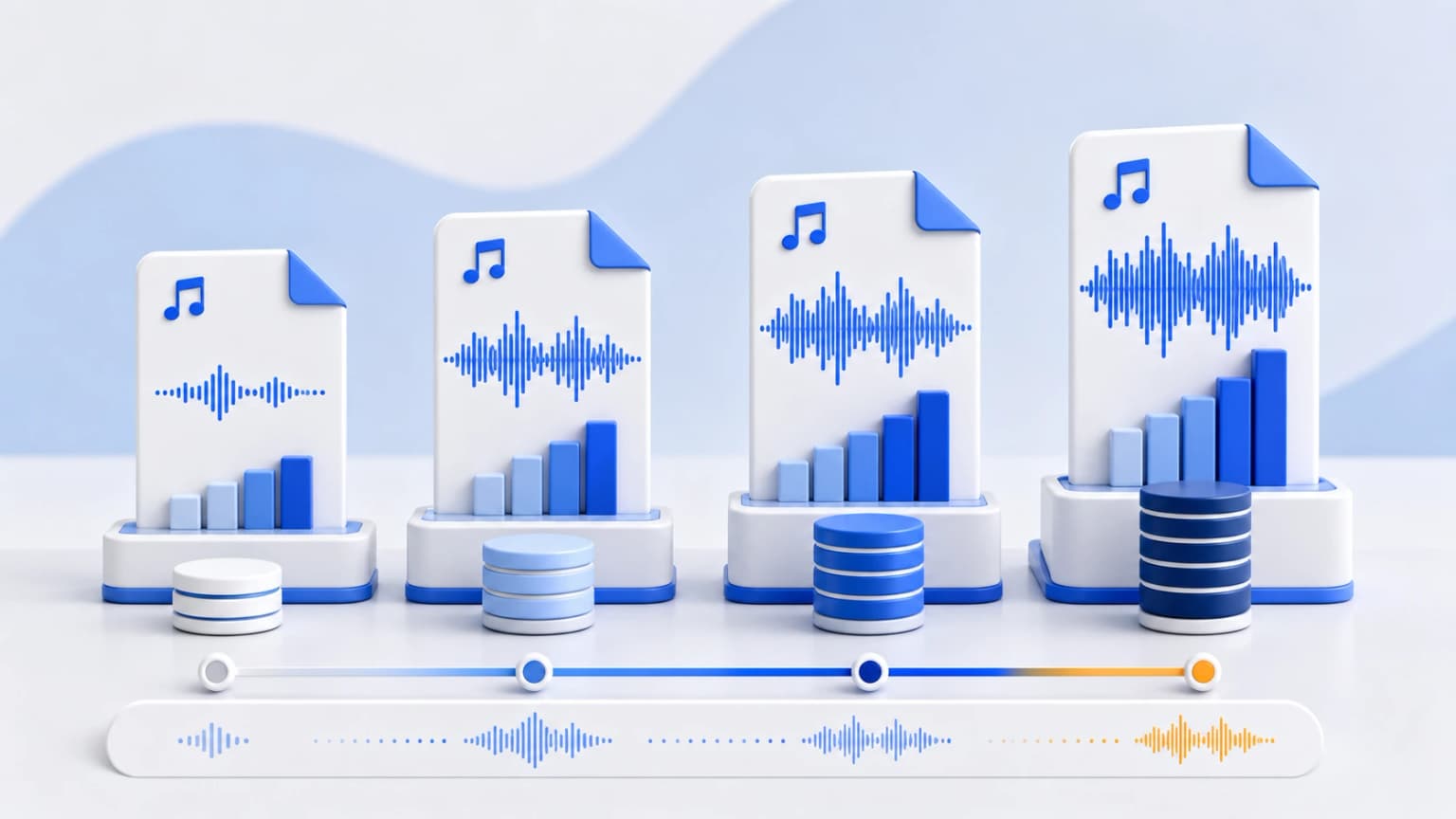
When transcoding digital audio, the bit volume processed per second—referred to as the bitrate—is the primary variable that determines acoustic quality. Selecting an incorrect bitrate can introduce distracting digital artifacts, such as hollow echoes, metallic cymbal distortion, and muddy background frequencies.
Selecting the ideal bitrate depends largely on your listening environment. High-quality car audio systems, studio monitors, or audiophile-grade headphones require far more digital information to reproduce a full Soundstage than typical smartphone speakers or basic background music players.
Key Concepts: Lossy Compression & Cutoff Thresholds
MP3 uses lossy psychoacoustic modeling to analyze and remove spectral data that the average human ear cannot easily perceive. To achieve smaller file sizes, the encoder applies a progressive low-pass filter to eliminate high frequencies:
- 128 kbps: Harsh low-pass filtering. Frequencies above 15 kHz or 16 kHz are discarded entirely.
- 192 kbps: Improved acoustics. Filtering begins around 17-18 kHz, which is suitable for standard speech and acoustic vocal tracks.
- 256 kbps: CD-grade quality. Extends the high-frequency cutoff to 19.5 kHz, which is highly recommended for high-fidelity music libraries.
- 320 kbps: Maximum possible quality. The frequency threshold is set to a full 22 kHz, matching high-resolution human hearing capabilities.
Comparative Analysis: Quality levels vs. File constraints
| Bitrate Option | Fidelity Level | Typical Size / Minute | Ideal Use-Case |
|---|---|---|---|
| 128 kbps | Adequate | ~0.95 MB | Podcasts, vocal voice memos, educational lectures |
| 192 kbps | Good Standard Method | ~1.40 MB | Background music, streaming, standard listening |
| 256 kbps | Excellent (Near CD) | ~1.90 MB | High-fidelity music catalog, standard car soundboards |
| 320 kbps | Maximum possible (Audiophile) | ~2.40 MB | DJ decks, archive storage, professional monitors |
The Proof Is in the ABX Double-Blind Studies
Can the human ear actually hear the difference between a 256kbps and 320kbps MP3? Numerous double-blind listening tests have been conducted with professional audio engineers, musicians, and audio enthusiasts.
The results are highly informative: in standard environments using commercial ear gear, identifying the difference between a 256kbps and a 320kbps encoding is successful only about 49% to 51% of the time. This is equivalent to random guessing!
However, when switching tests to 128kbps, accuracy jumps above 95%. Standard listeners can easily detect sub-bass limitations, muddy transient responses in drumming, and noticeable phase issues in stereo sweeps.
Technical Recommendation for Indian Content Creators & Professionals
If you are preparing files for professional distribution (such as submitting tracks to All India Radio, uploading podcasts to Gaana, JioSaavn, and Spotify, or archiving voiceovers for regional cinema), you should always export in 320 kbps Constant Bitrate (CBR).
For public documents and online portal submissions (e.g. uploading audio files to state educational and governmental forms like NEET or civil recruitment dashboards), smaller files are often required due to size limitations. In these cases, compressing files to 128 kbps provides a reliable, legible, and compact solution.