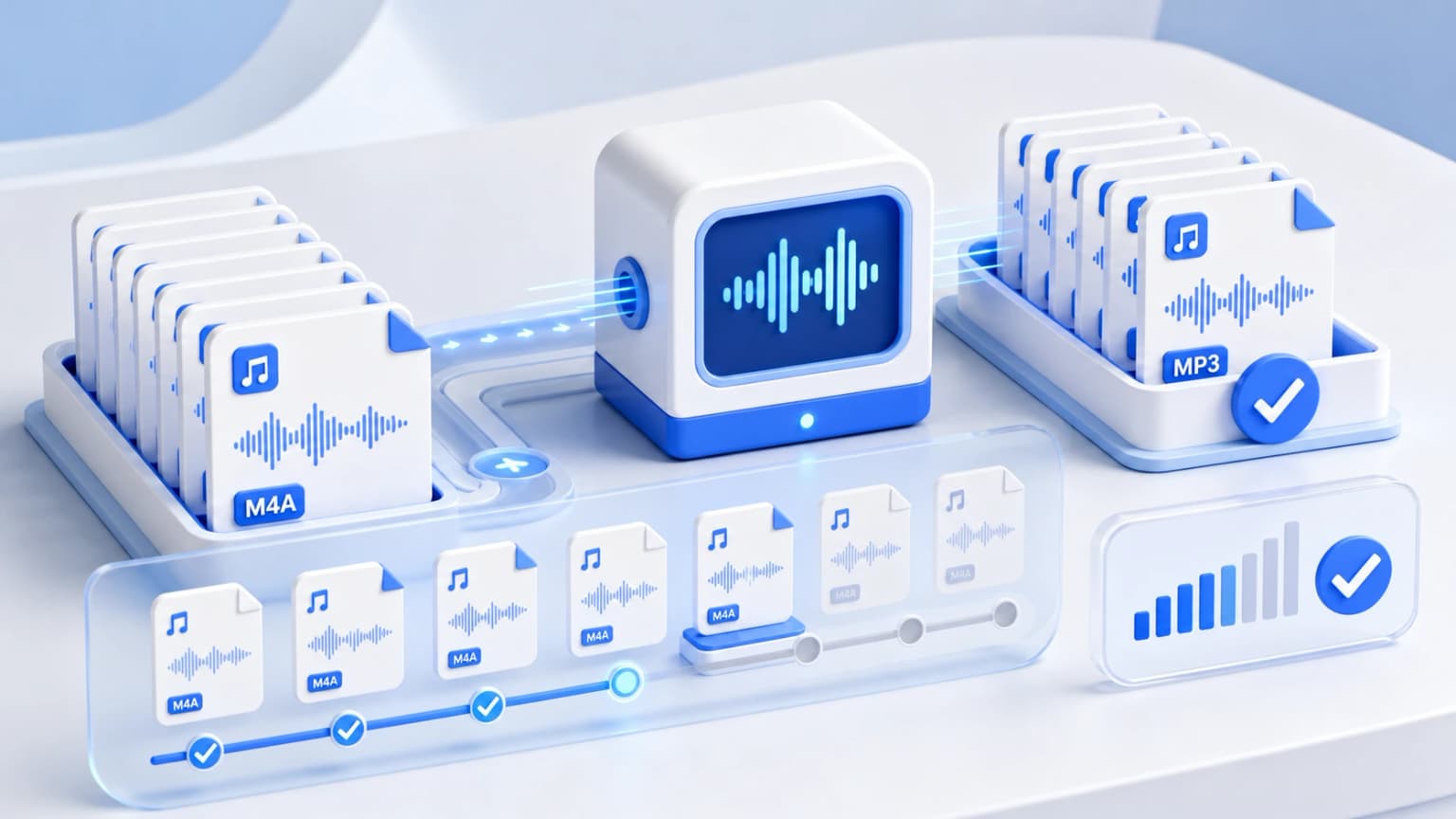
If you have large audio collections, podcasts, voice recordings, or lectures to transcode, converting them individually can be incredibly tedious. Batch-processing your audio files is the best way to save time and streamline your workflow.
Traditionally, online converters require users to upload files to a remote server. When converting dozens of heavy tracks, this can consume significant bandwidth, run into size limits, and compromise your data privacy.
How our Multithreaded browser-side Queue Works
Our web tool leverages high-performance WebAssembly (WASM) and Web Workers to bring desktop-class performance straight to your browser. Here is how your device processes batch conversions:
- Parallel Multithreading: When you select or drag multiple M4A files into the upload box, our system registers every file inside a virtual, non-blocking queue.
- Physical Multi-core Processing: Instead of loading files into a single, slow process, we delegate the transcoding algorithms directly to your device's physical multi-core processor (such as Intel Core or Apple Silicon) using isolated browser instances.
- Dynamic Memory Management: To prevent your browser from freezing, our application regulates the queue sequentially. It processes files fast without exhausting your computer's RAM.
Step-by-Step guide to Batch Converting Your Files
- Import Your Audio Tracks: Drag and drop your files into the conversion area, or click the box to browse and import files from your device.
- Set Your Export Preferences: Select your preferred target format (such as MP3) and adjust your desired bitrate. These settings will be applied to all your imported files.
- Convert instantly: Click the Convert Now button. The queue manager will process your files sequentially and display an active progress bar for every file.
- Download Your Files: Once completed, download your new files individually, or click Download All to save them as a handy zip archive in seconds!
Why Client-Side batch converting is superior
By keeping all processing local inside browser memory, you enjoy three main benefits:
- Infinite scale: There are no file size caps or daily conversion limits. You can process gigabytes of audio files without paying a single paisa.
- Zero data usage: Since files are processed locally, you don't need to use mobile data or internet bandwidth to upload and download files.
- Absolute security: Your files never leave your device. This makes it highly secure for corporate presentations, business reports, legal transcriptions, or personal audio projects.