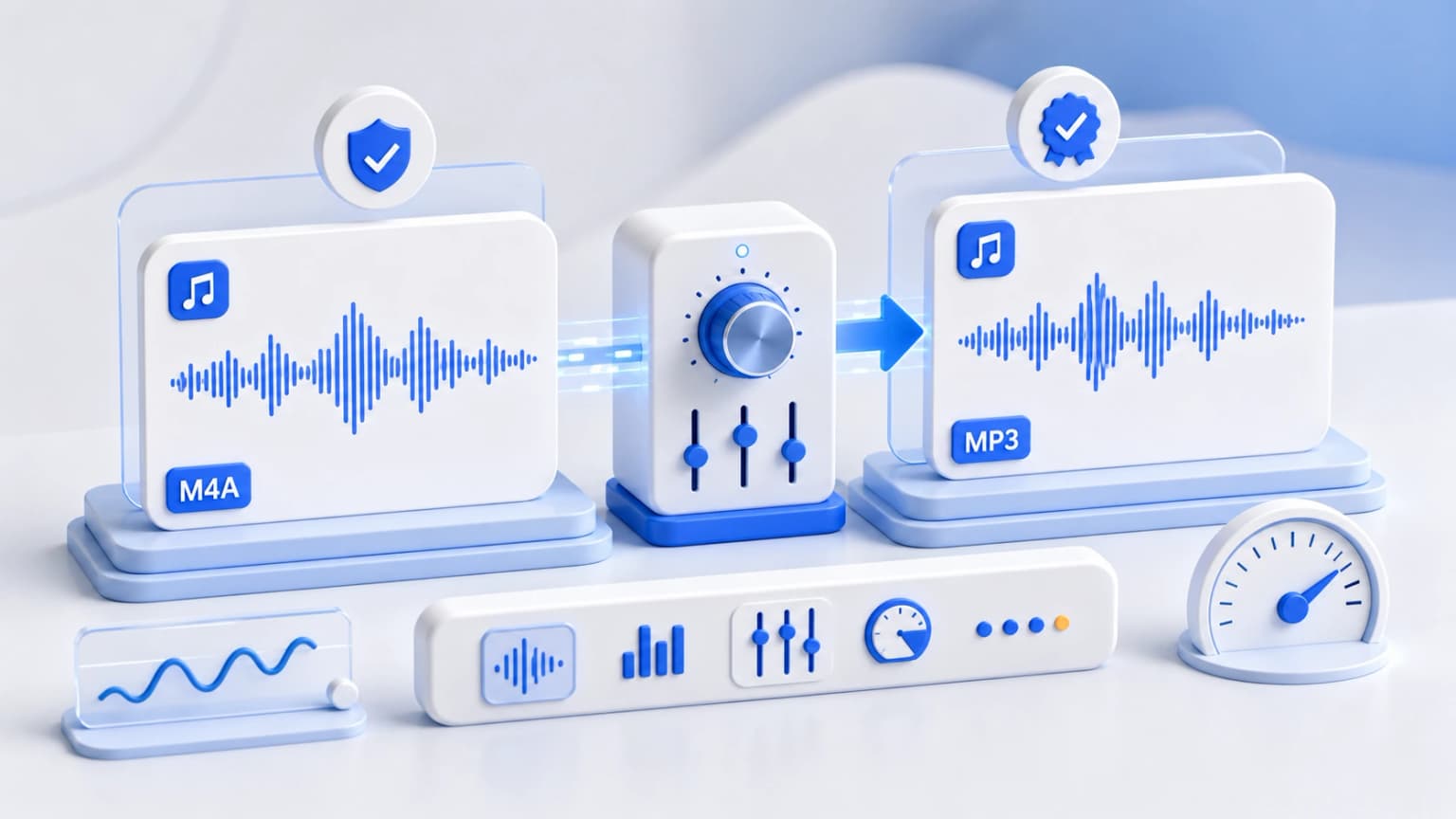
Is it possible to convert M4A files to MP3 without losing sound quality? Technically, because both formats use lossy compression, transcoding from one to the other will result in slight generational loss. However, with the right settings, you can make this loss completely imperceptible to the human ear.
Here are the three engineering rules you need to follow to achieve transparent, lossless-quality audio conversion:
Rule 1: Always Target 320 kbps bit depth
To preserve as much acoustic detail as possible, you must ensure your destination container can hold the maximum possible amount of digital data. 320 kbps is the highest possible bitrate for MP3 audio, delivering near-perfect CD-quality fidelity.
Rule 2: Use High-Fidelity local compilers (WebAssembly)
Many online converters apply aggressive compression algorithms to save bandwidth, drastically degrading audio quality. Our WebAssembly tool runs the full, uncompromised, standard FFmpeg engine on your physical hardware, protecting your files from unwanted sound degradation.
Rule 3: Avoid Repeating the Transcode Cycle
Every lossy-to-lossy conversion introduces additional compression artifacts. To keep your audio sounding clean and professional, you should always convert directly from your high-quality source file and avoid re-converting files that have already been compressed.