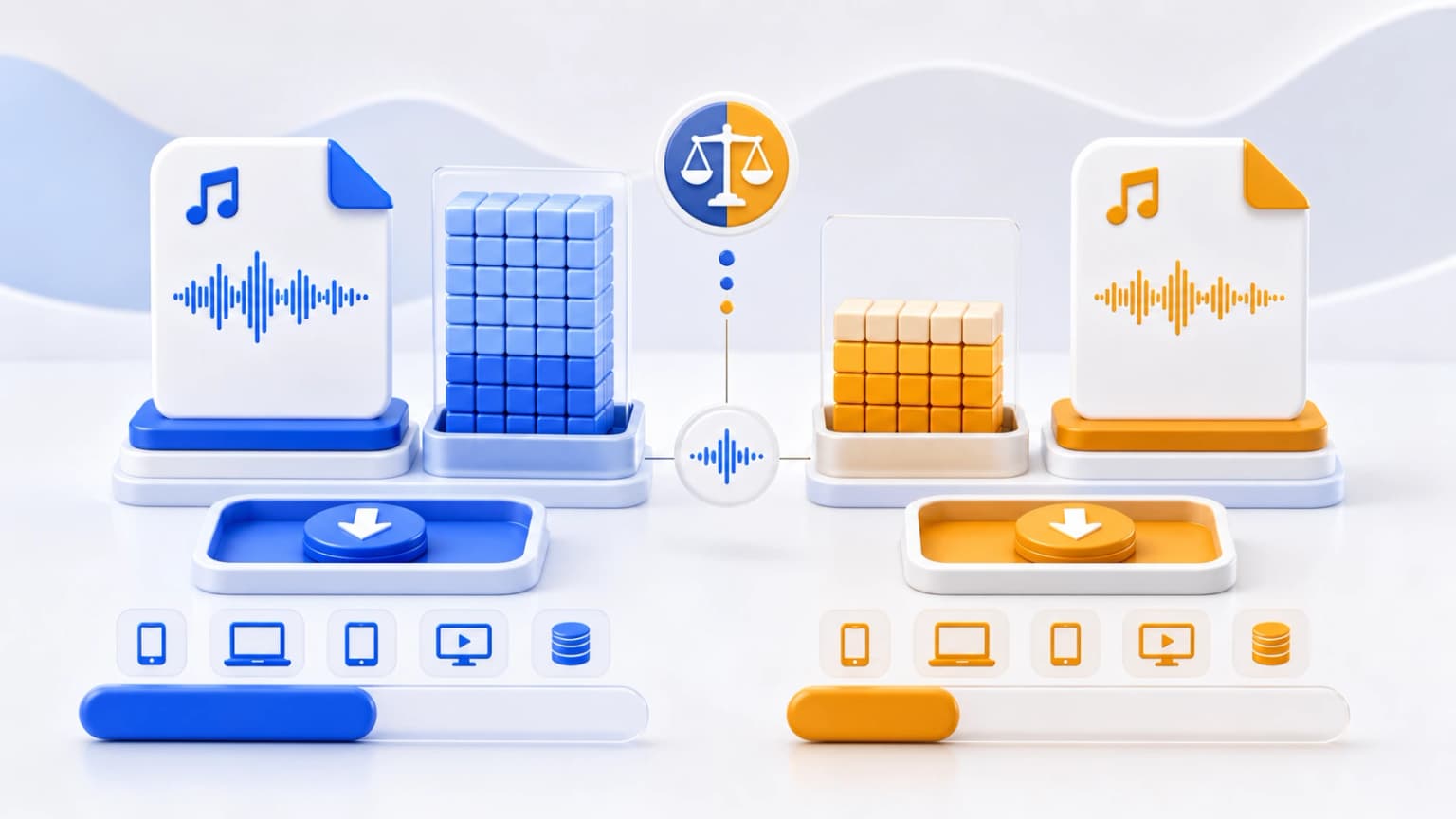
Whether you are managing a massive local hard drive archive, streaming audio files online to reduce server bandwidth costs, or exporting vocal dictations for government uploads inside India, files sizes are critical. This guide presents an empirical look at M4A and MP3 storage sizes.
Both files are "lossy" audio formats, which means they reduce file sizes by permanently removing high frequencies that human ears cannot easily perceive. However, because they use different compilation technology, M4A is far more efficient than MP3.
The Math of Psychoacoustic Compression
The MPEG-1 Audio Layer III (MP3) standard was developed in the early 1990s. Its mathematical compression parameters divide sound waves into 32 static frequency bands. Its design lacks modern features like Temporal Noise Shaping (TNS) and dynamic block-size scaling.
The M4A container—typically containing Advanced Audio Coding (AAC)—was developed in the late 1990s as a successor to MP3. AAC handles 48 critical frequency bands and dynamically adjusts its Modified Discrete Cosine Transform (MDCT) block sizes between 128 and 1024 samples. This modern approach allows M4A encoders to capture fast, sharp transient sound waves (like cymbal strikes or drum hits) with high precision, keeping file sizes small without sacrificing sound quality.
Empirical Data Comparison Table
To demonstrate the physical difference, let's analyze the storage requirements of M4A and MP3 files across various bitrates and durations at typical CD recording settings (44.1 kHz, Stereo):
| Format & Bitrate | 1 Minute Size | 3 Minute Size | 5 Minute Size | Quality Equivalent |
|---|---|---|---|---|
| M4A (AAC) @ 128 kbps | ~0.96 MB | ~2.88 MB | ~4.80 MB | Standard Radio / Near CD |
| MP3 (MPEG) @ 128 kbps | ~0.96 MB | ~2.88 MB | ~4.80 MB | Adequate (Noticeable high-frequency roll-off) |
| M4A (AAC) @ 192 kbps | ~1.44 MB | ~4.32 MB | ~7.20 MB | Excellent Stereo (CD Transparent) |
| MP3 (MPEG) @ 192 kbps | ~1.44 MB | ~4.32 MB | ~7.20 MB | Good Standard Listening |
| M4A (AAC) @ 256 kbps | ~1.92 MB | ~5.76 MB | ~9.60 MB | Master Fidelity (Audiophile Standard) |
| MP3 (MPEG) @ 256 kbps | ~1.92 MB | ~5.76 MB | ~9.60 MB | High Quality |
| M4A (AAC) @ 320 kbps | ~2.40 MB | ~7.20 MB | ~12.00 MB | Absolute Maximum (Overkill) |
| MP3 (MPEG) @ 320 kbps | ~2.40 MB | ~7.20 MB | ~12.00 MB | CD Studio Master Level |
Decoding the Size vs. Quality Trade-off
At identical bitrates, M4A and MP3 files have the exact same file size. However, the key advantage is that M4A delivers equivalent sound quality at much lower bitrates.
Double-blind testing repeatedly demonstrates that an M4A file encoded at 128 kbps (AAC) sounds identical to an MP3 file encoded at 192 kbps. This means you can achieve the same listenability while saving up to 33% of your storage space by utilizing the M4A format!
If you manage a digital library of 10,000 files, storing them in M4A format (using 128 kbps or 192 kbps) can save you gigabytes of storage space compared to MP3, making it highly effective for hosting databases, web streaming, and optimizing mobile storage.