How to Convert iTunes M4A to MP3
Convert DRM-free iTunes audio purchases and Apple Music library tracks into universal MP3 copies with native settings or a private browser workflow.
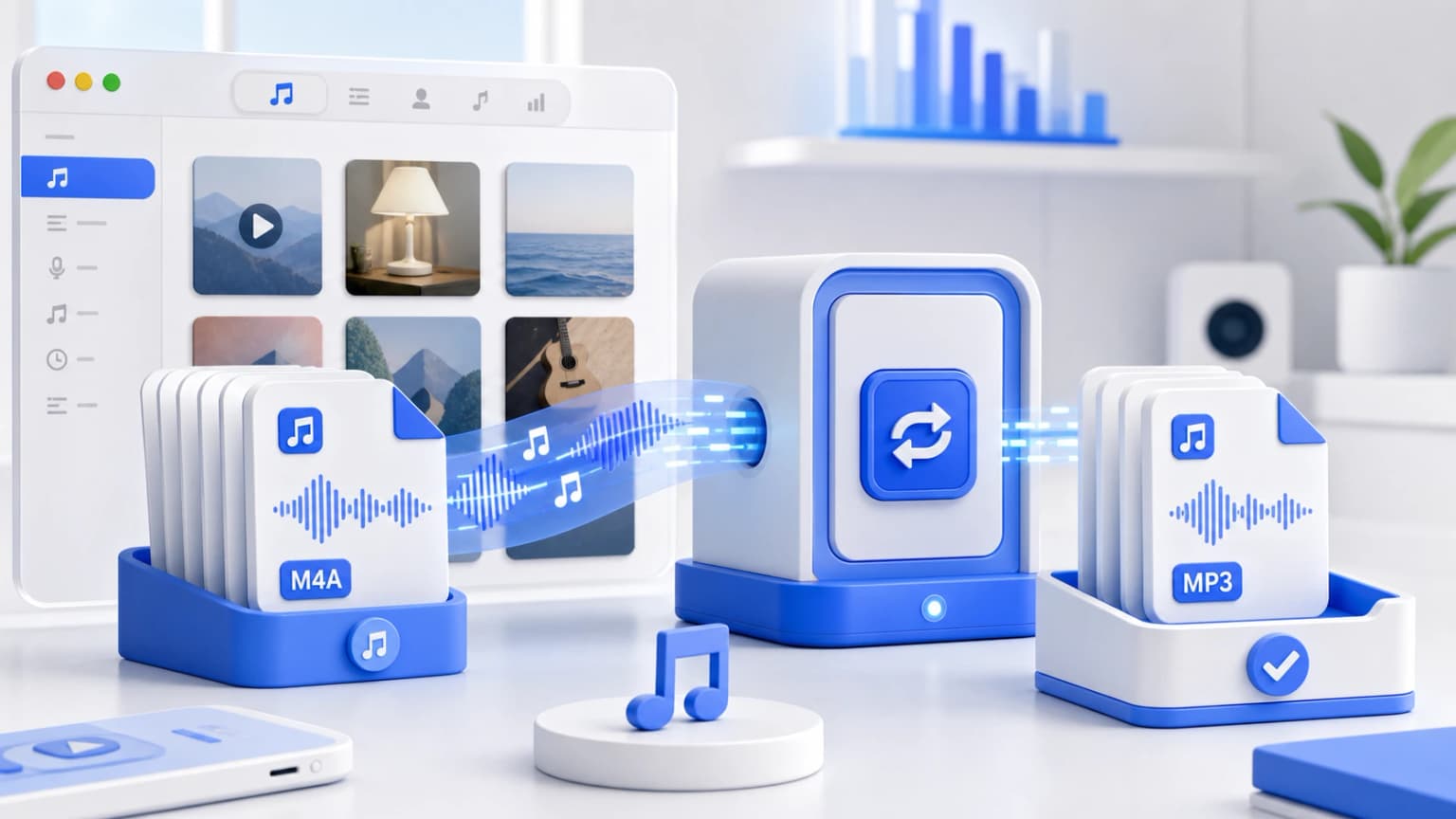
Drag & drop your M4A files here
or click to browse from desktop or phone storage
100% Secure & Private
Your files are decoded and converted locally in your browser. Nothing is ever sent to our servers.
Fast Local Processing
Uses high-performance WebAssembly (FFmpeg.wasm) to process audio at native device speed.
iTunes Library Conversion Steps
Find iTunes Files
Find your .m4a library tracks inside your default iTunes Media folder or export them onto your desktop.
Upload and Select Options
Upload files onto our local sandboxed converter app. Pick MP3 format and preferred bitrate.
Generate and Download
Click Convert and instantly download universal MP3 versions of your favorite classic tracks.
Understanding iTunes & DRM Restrictions
In current MacOS and modern iTunes, most audio tracks have been upgraded to "iTunes Plus" standards which are completely DRM-free with high-quality AAC compression (generally encoded at 256kbps).
For these modern tracks, you can safely drag and drop them straight into desktop player applications or our browser conversion utility to convert them instantly. Older custom audiobooks or tracks with the .m4p format are encrypted with FairPlay DRM. Converting DRM protected tracks offline requires downloading them as DRM-free versions or re-purchasing.
iTunes Audio FAQs
Other Free Audio Converters: